TL;DR: Many vehicles can be upgraded with Android Auto without removing the original infotainment system, but the installation process depends on the factory technology already fitted to the vehicle. With the right integration solution, drivers can often add Android Auto while retaining important factory controls and features.
Key Takeaways
- Android Auto can modernise your infotainment system without replacing the factory screen.
- Factory feature retention depends on vehicle compatibility and integration hardware.
- Wireless Android Auto is available for many vehicles for added convenience.
- A compatibility assessment helps identify the best upgrade option.
Android Auto is one of the most popular upgrades for drivers who want a smarter and more connected driving experience without replacing their vehicle. It brings useful smartphone features such as navigation, music, calls, messages, and voice control directly to the dashboard, making everyday driving more convenient and helping reduce distractions on the road.
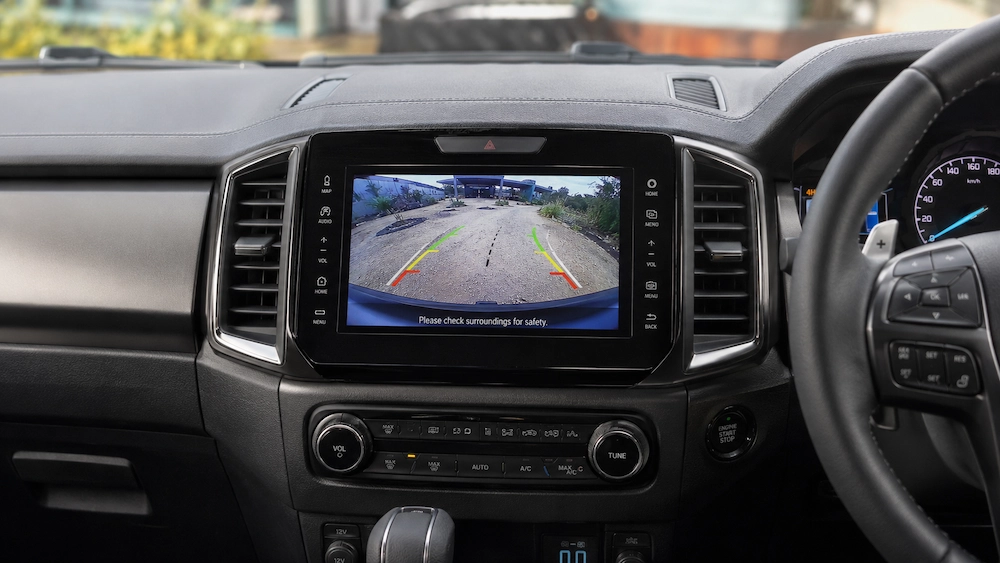
Many drivers want Android Auto without losing features they already rely on, such as steering wheel controls, reverse cameras, parking sensors, factory microphones, and vehicle settings. In many vehicles, these factory functions can be retained, although the outcome depends on the infotainment system and integration solution used.
Understanding Android Auto
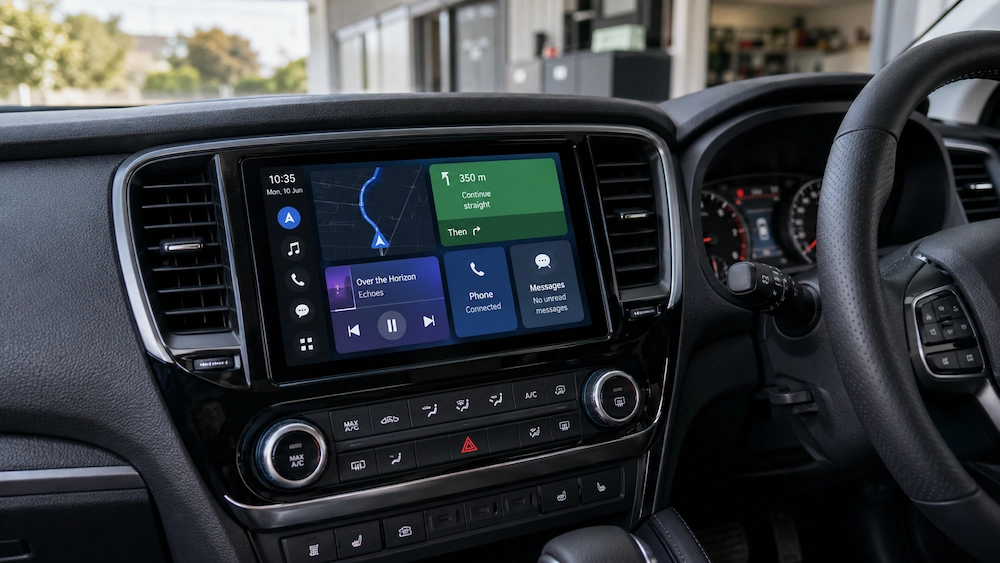
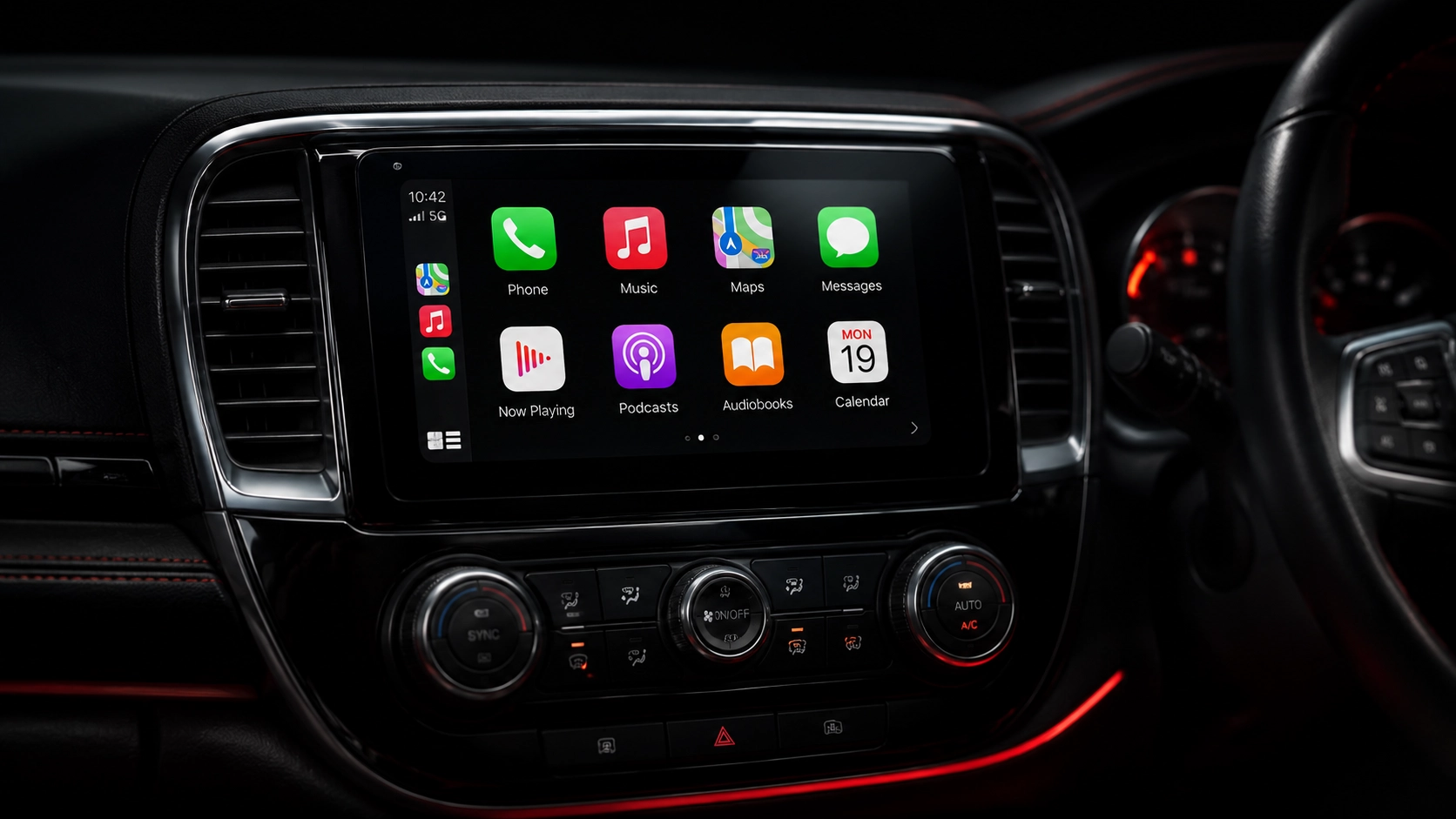
Android Auto is Google’s in-car platform that allows compatible Android smartphones to connect with a vehicle’s infotainment system. Once connected, drivers can access a range of apps and services through a simplified interface designed to minimise distractions while driving.
Popular Android Auto functions include:
- Google Maps navigation
- Waze navigation
- Spotify music streaming
- YouTube Music
- Phone calls
- Text messaging
- Google Assistant voice control
- Podcast and audiobook apps
Instead of using your phone directly, Android Auto lets you access navigation, music, calls, and messages through your vehicle’s screen and controls, making everyday driving more convenient. Because it uses the apps you already know and use, the experience feels familiar from the moment you connect your phone.
Is Android Auto Compatible With Factory Screens?
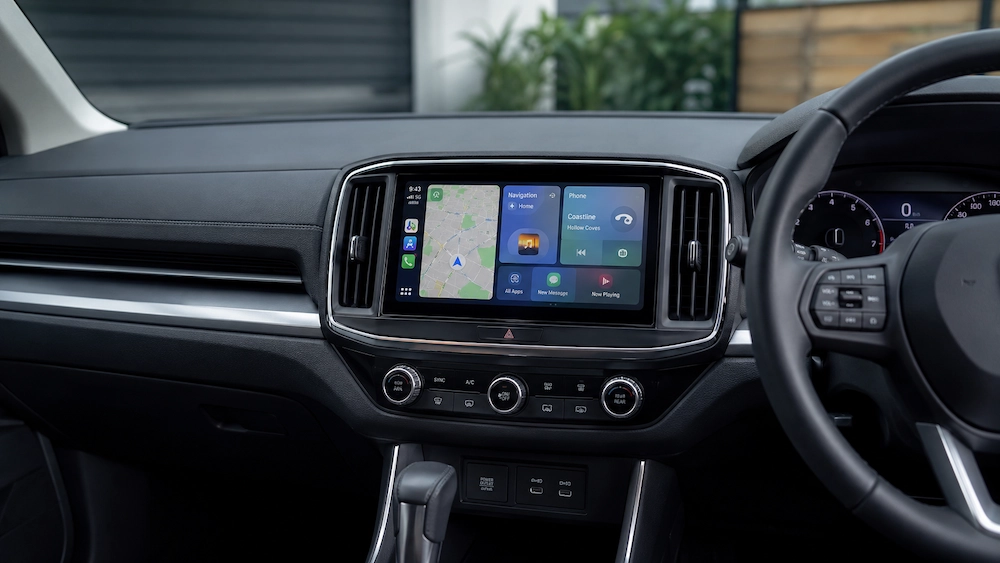
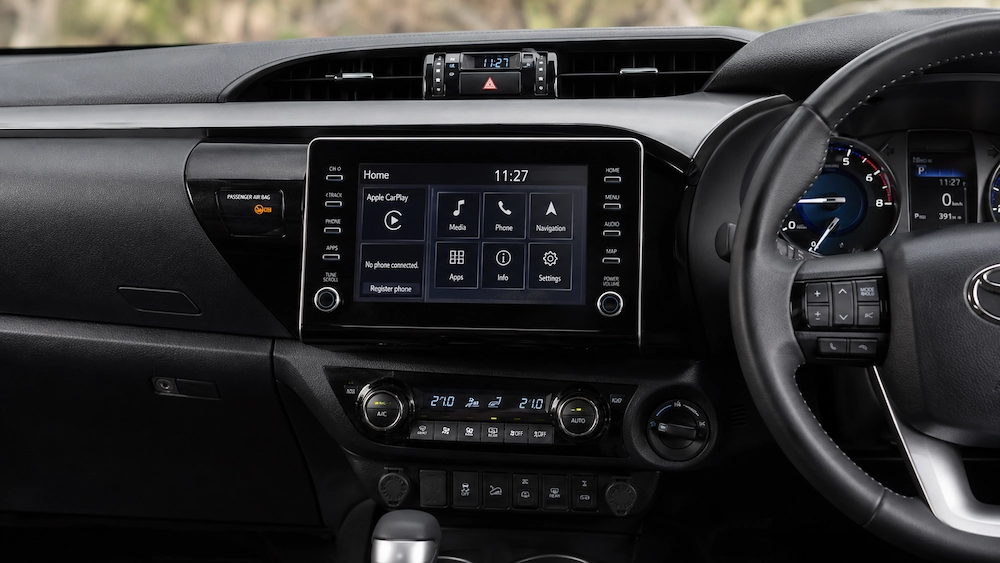
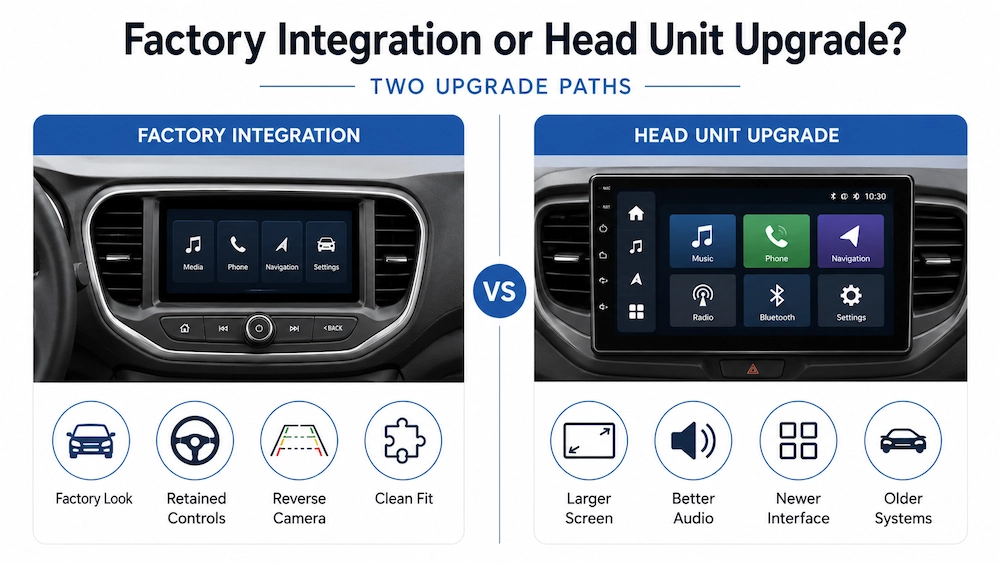
One of the most common misconceptions is that Android Auto always requires a complete head unit replacement. In reality, many vehicles can support Android Auto through a factory screen integration solution that allows it to operate through the original display already installed in the vehicle.
This approach suits drivers who want modern smartphone connectivity while keeping the factory dashboard appearance, although compatibility varies between vehicles and should be assessed individually before choosing a solution. If you’re considering an upgrade, learn more about Apple CarPlay and Android Auto installation services in Sydney to explore the options available for your vehicle.
What Is Required for Android Auto Integration?
Before recommending an Android Auto upgrade, installers typically evaluate the vehicle’s existing infotainment setup. This assessment helps determine which integration options are available and what factory features can potentially be retained.
Some of the key factors considered include:
- Factory infotainment system type
- Screen size and configuration
- Audio system design
- Steering wheel controls
- Reverse camera setup
- Parking sensor integration
- Factory microphone configuration
- Existing Bluetooth and multimedia functions
- Vehicle settings and menu systems
Once these details are confirmed, the installer can identify the most suitable upgrade solution, whether that involves an integration module, additional interfaces, specialised hardware, or a complete infotainment replacement. The goal is to achieve the best balance between functionality, reliability, and factory feature retention.
How Integration Systems Connect to the Vehicle
Android Auto integration systems work alongside the factory infotainment system rather than replacing it. An interface module is typically installed behind the dashboard and connected to the vehicle’s existing multimedia hardware, allowing Android Auto to display on the original screen.
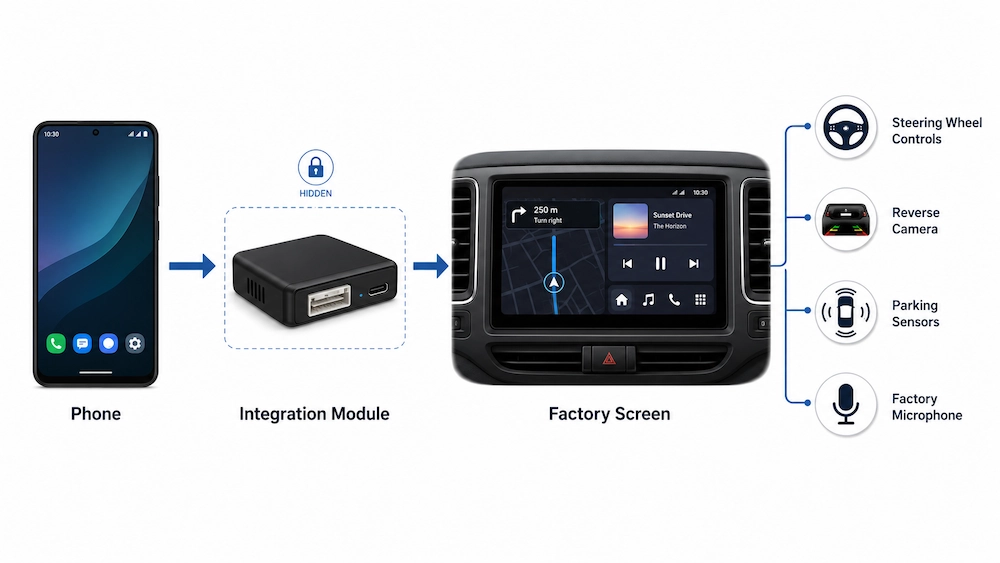
Depending on the vehicle, Android Auto can be controlled through the factory touchscreen, steering wheel buttons, rotary controllers, multimedia knobs, voice commands, or touchpads. The goal is to provide a seamless experience that feels integrated with the vehicle while allowing easy access to both factory functions and Android Auto.
Retaining Factory Features During Installation
One of the biggest advantages of a professionally selected Android Auto integration solution is the ability to retain factory-installed features wherever possible.
Depending on the vehicle and hardware used, retained features may include:
- Steering wheel audio controls
- Reverse camera functionality
- Parking sensor displays
- Factory microphones
- Vehicle settings menus
- Climate control displays
- Factory infotainment controls
- Audio system integration
Retaining these features helps preserve the usability of the vehicle while adding modern smartphone connectivity.
Why Factory Feature Retention Is Important
Drivers naturally become accustomed to the way their vehicle operates, from steering wheel controls to parking assistance features. When upgrading to Android Auto, retaining these familiar functions is often just as important as adding new technology, as losing them can make the vehicle less convenient to use day to day.
The best Android Auto installations enhance the driving experience without disrupting the features drivers already rely on. A well-integrated system should feel like it belongs in the vehicle, combining modern connectivity with the factory controls and functions that make the car comfortable and familiar to drive.
What Happens to the Reverse Camera?
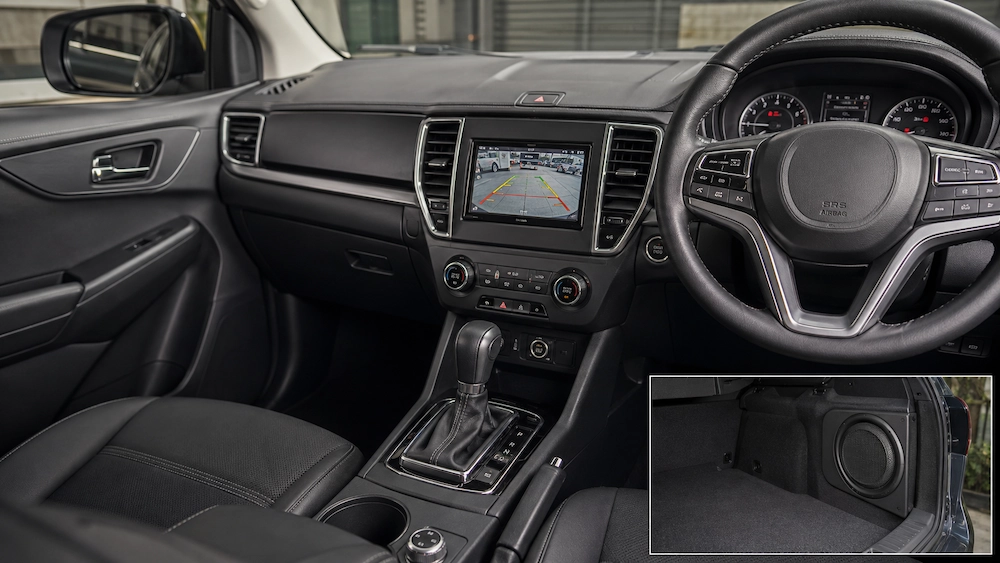
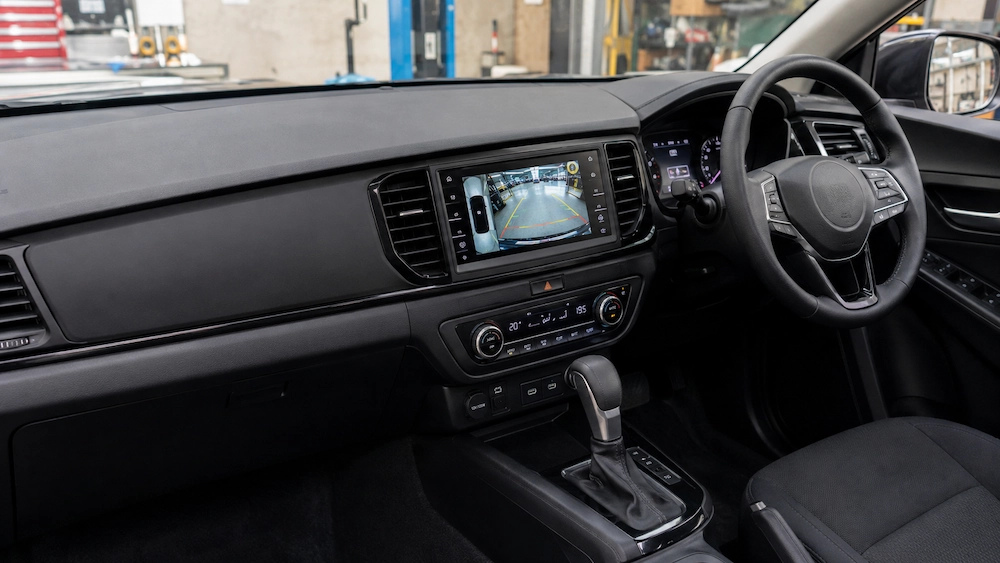
Reverse camera retention is one of the first things most drivers ask about when considering Android Auto integration, especially if they use the camera every day for parking and manoeuvring. In many vehicles, the factory reverse camera can continue working as normal, but compatibility depends on how the camera is connected and whether additional integration hardware is required.
Can Steering Wheel Controls Still Be Used?
Steering wheel controls are a feature many drivers want to retain when upgrading to Android Auto. They allow you to adjust volume, skip tracks, answer calls, and activate voice commands without taking your hands off the wheel.
In many Android Auto installations, these controls can continue working after integration. However, compatibility varies between vehicles and hardware, so it’s important to confirm what functions can be retained before installation.
Choosing Between Wired and Wireless Android Auto
Android Auto can operate through either a wired USB connection or a wireless connection. Both options offer access to the same core Android Auto features, but each has its own advantages.
Wired Android Auto
Wired Android Auto connects through a USB cable. Benefits include:
- Reliable connection stability
- Consistent performance
- Simultaneous phone charging
- Reduced battery consumption
Many drivers appreciate the simplicity and reliability of a wired connection, particularly during long trips where charging is beneficial.
Wireless Android Auto
Wireless Android Auto connects automatically when the vehicle starts. Benefits include:
- No need to plug in a cable
- Faster daily convenience
- Cleaner cabin appearance
- Automatic connection process
Wireless Android Auto is a popular choice for drivers who want their phone to connect automatically without dealing with cables. However, compatibility varies between vehicles, integration systems, and Android devices, so it’s worth checking before installation.
When a Full Infotainment Upgrade Makes More Sense
While factory integration is often the preferred solution, it is not always the best fit. Some vehicles have infotainment systems that are too limited, outdated, or incompatible to support Android Auto effectively. In these cases, replacing the factory head unit can provide a better user experience and access to features the original system cannot support.
A modern infotainment upgrade can offer a larger display, faster performance, improved smartphone connectivity, and greater flexibility for audio and multimedia features. For vehicles without a factory screen, an aftermarket head unit with built-in Android Auto can be an especially practical solution. Ultimately, the right choice depends on your vehicle, budget, and upgrade goals.
Is Android Auto a Good Investment?
For many Android users, Android Auto is one of the most practical upgrades available. Rather than replacing an otherwise reliable vehicle, drivers can modernise their infotainment experience through improved navigation, communication, and entertainment functionality.
Benefits often include:
- Easier navigation
- Better traffic information
- Hands-free communication
- Improved music streaming access
- Enhanced voice control
- Greater convenience during daily driving
For commuters, families, business users, and long-distance travellers alike, Android Auto can significantly improve the driving experience without requiring the purchase of a newer vehicle.
Why Choose Sydney Mobile Audio?
Adding Android Auto is about more than simply fitting new hardware. The real goal is to make sure everything works seamlessly with your vehicle, so you get a reliable and easy-to-use system every time you get behind the wheel.
At Sydney Mobile Audio, we help drivers across Sydney upgrade to Android Auto and Apple CarPlay with solutions tailored to their vehicle and driving needs. Whether your car supports factory screen integration or requires a complete infotainment upgrade, we focus on compatibility, retaining factory features where possible, and delivering a clean, professional installation that feels like it belongs in the vehicle.
Ready to Check if Your Vehicle Supports Android Auto?
If you are unsure whether your vehicle can support Android Auto or which factory features can be retained, Sydney Mobile Audio can help. Our team can assess your vehicle’s infotainment system, explain the available upgrade options, and recommend the most suitable solution based on your goals and budget.
Contact Sydney Mobile Audio today for a compatibility assessment.